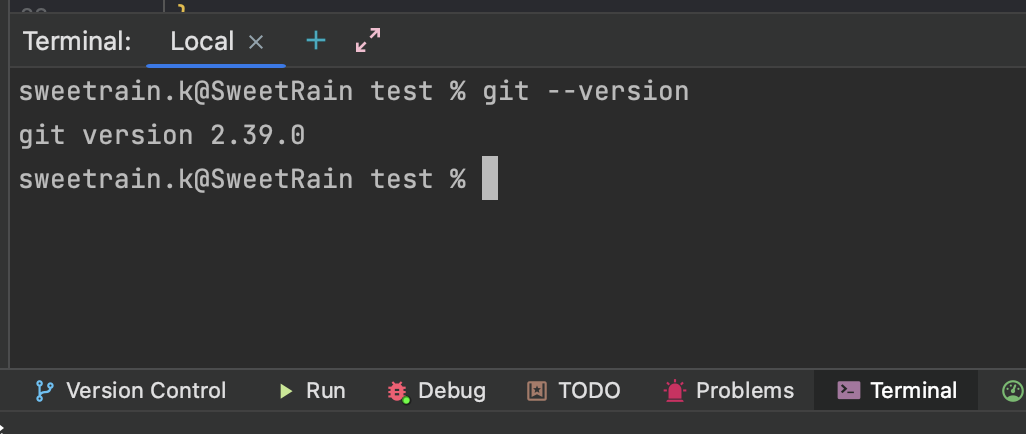
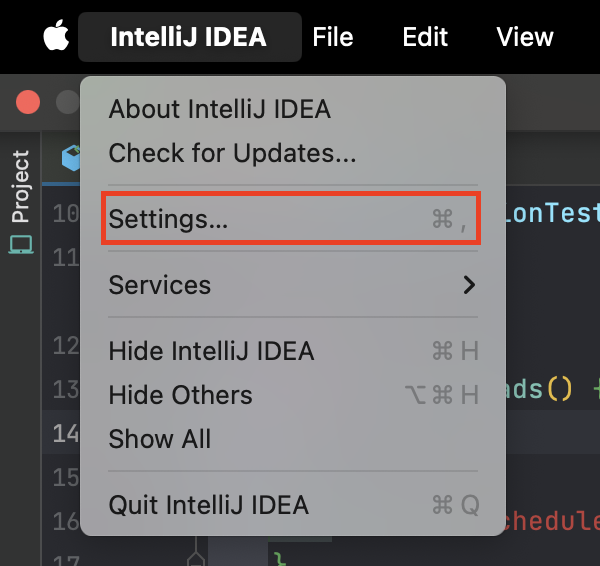
File > Settings (Mac은 IntelliJ IDEA > Preferences) Version Control > Git Path to Git executable에 git 경로가 제대로 입력되어 있어야 함!
Version Control - Git - Path to Git excutable
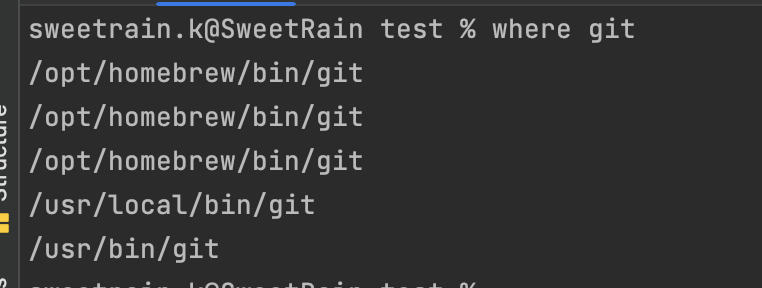
만약 경로를 모른다면 터미널에 where git 을 입력해주면 확인 가능하다!
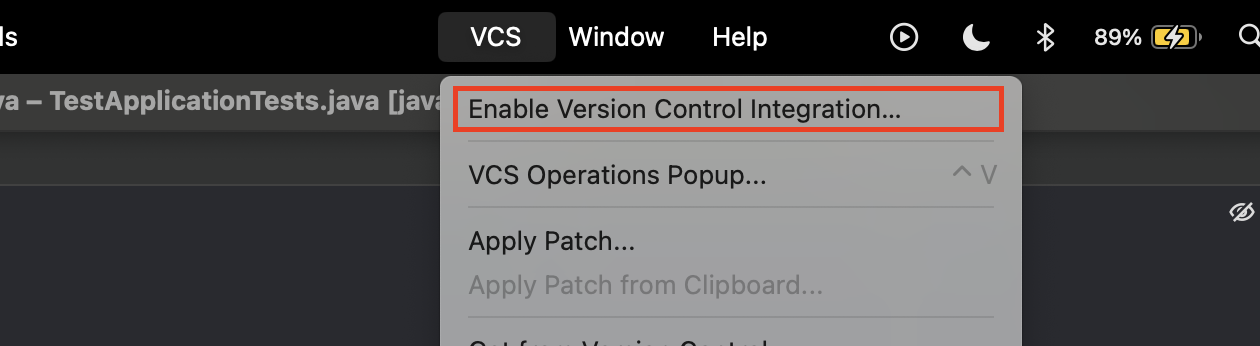
3. 기존 프로젝트에 Git 초기화
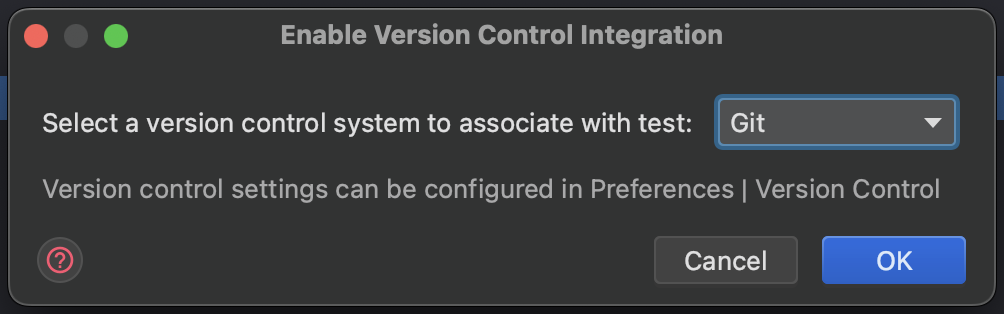
VCS - Enable Version Control Integration 클릭 후 나타나는 화면에서 OK만 눌러주면 끝이다!
4. Git 저장소 연결
// 원격 저장소에 연결
git remote add origin https://github.com/your-username/your-repo.git

// add . 은 전체 파일을 뜻하고, origin main은 main 브랜치에 푸쉬하게 된다.
git add .
git commit -m "메시지 내용"
git push -u origin main